
Close Menu
    Trending
    • Energy of the Future: AI-Optimized Renewable Power & Quantum Batteries
    • Transportation 2040: Autonomous Air Taxis, AI Roads & Quantum Traffic Systems
    • AI-Powered Entrepreneurship: How Startups Will Run Themselves
    • The Future of Social Media: AI-Based Identity & Virtual Universes
    • Space Exploration & AI: Colonizing Mars with Robots and Quantum Tech
    • AI Ethics & Laws in 2030: The Rules That Will Shape Our Future
    • Digital Afterlife: Will AI Let Us Live Forever Online?
    • Smart Cities 2035: AI, Drones & Quantum Tech Shaping Urban Life
    TGH Blog 305
    • Home
    • Cryptocurrency
    • Quantum & AI Future
    • Technology
    • Linux
    • Softwares
      • Business Software
      • SaaS Tools
    • Tutorials
      • Trading
    TGH Blog 305
    Home»Tutorials»How to Factory Reset a MacBook Pro M1 Step by Step
    Tutorials

    How to Factory Reset a MacBook Pro M1 Step by Step

    Team_TGHBlogBy Team_TGHBlog2025-09-13Updated:2025-09-13No Comments2 Mins Read
    Share Facebook Twitter Pinterest LinkedIn Tumblr Reddit Telegram Email
    How to Factory Reset Macbook M1 - Step by Step.
    Step by Step tutorial on how to reset a Macbook PRO M1 to factory settings.
    Share
    Facebook Twitter LinkedIn Pinterest Email
    How to Factory Reset Macbook M1 - Step by Step.
    Step by Step tutorial on how to reset a Macbook PRO M1 to factory settings.

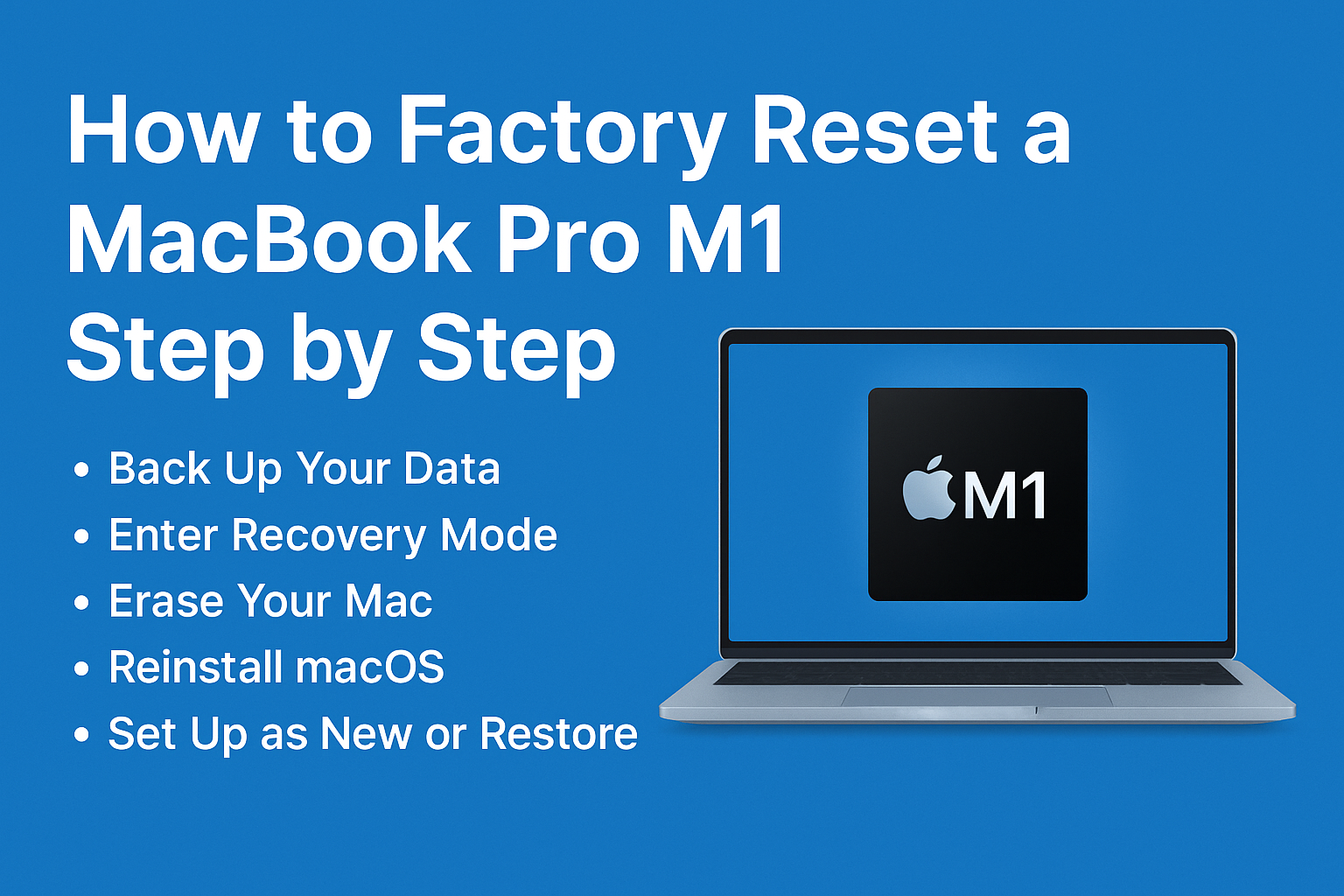
    How to Factory Reset a MacBook Pro M1 Step by Step

    Resetting your MacBook Pro M1 to factory settings can help you fix system errors, prepare the device for resale, or simply give it a fresh start. Since Apple’s M1 chip uses a different recovery process compared to Intel-based Macs, it’s important to follow the correct method. Here’s a clear step-by-step guide:

    ⸻

    1. Back Up Your Data

    Before erasing your Mac, make sure to save everything important.

    • Use Time Machine with an external drive.

    • Or sync files to iCloud Drive, Google Drive, or Dropbox.

    ⚠️ Once reset, all data will be permanently deleted.

    ⸻

    2. Shut Down Your Mac

    • Click the Apple menu  → Shut Down.

    • Wait until the screen goes completely black.

    ⸻

    3. Enter Recovery Mode (M1 Macs)

    Unlike Intel Macs, M1 devices use a new method:

    1. Press and hold the power button until you see Loading startup options.

    2. Select Options → Continue.

    ⸻

    4. Erase Your Mac

    Inside Recovery:

    1. Open Disk Utility.

    2. Select Macintosh HD (or your main drive).

    3. Click Erase → choose APFS format → confirm.

    4. Once complete, close Disk Utility.

    ⸻

    5. Reinstall macOS

    1. Back in Recovery, choose Reinstall macOS.

    2. Follow the on-screen instructions.

    3. Wait for macOS to download and install (this can take 30–60 minutes depending on your internet speed).

    ⸻

    6. Set Up as New or Restore

    After installation:

    • You can set up your Mac as brand new,

    • Or restore your files using Migration Assistant or Time Machine backup.

    ⸻

    ✅ That’s it! Your MacBook Pro M1 is now fully reset to factory settings.
    Easy Factory Reset Macbook M1 on 2025
    Easy Factory Reset Macbook M1

    This process ensures your Mac is clean, secure, and ready for new use.

    Share. Facebook Twitter Pinterest LinkedIn Tumblr Email
    Previous ArticleThe Ultimate Guide to Tech Tutorials for All Levels
    Next Article The Blockchain Bible (2025): How It Really Works — No Jargon, All Powe

    Related Posts

    Tutorials

    How to Monetize a Blog with Ezoic, Affiliates, and Organic SEO (Full Guide)

    2025-10-23
    Tutorials

    Ezoic vs AdSense: Which Ad Platform Pays More in 2025?

    2025-10-23
    Tutorials

    Best CRM Tools for Small Businesses in 2025 (Free & Paid)

    2025-10-23
    Add A Comment
    Leave A Reply Cancel Reply

    Top Posts

    The Future of Money: AI Investors, Quantum Finance & Digital Economy 3.0

    2025-10-26

    Energy of the Future: AI-Optimized Renewable Power & Quantum Batteries

    2025-10-26

    Transportation 2040: Autonomous Air Taxis, AI Roads & Quantum Traffic Systems

    2025-10-26

    AI-Powered Entrepreneurship: How Startups Will Run Themselves

    2025-10-26

    The Future of Social Media: AI-Based Identity & Virtual Universes

    2025-10-26
    Latest Posts
    Quantum & AI Future

    AI Ethics & Laws in 2030: The Rules That Will Shape Our Future

    Team_TGHBlog2025-10-26
    Softwares

    Cloud Storage Showdown: Google Drive vs Dropbox vs OneDrive (2025)

    Team_TGHBlog2025-10-02
    Linux

    Mac OS vs Linux on a MacBook (2025): Pros, Cons & Who Should Switch

    Team_TGHBlog2025-09-06
    Categories
    • Business Software
    • Cryptocurrency
    • Linux
    • Quantum & AI Future
    • SaaS Tools
    • Softwares
    • Technology
    • Trading
    • Tutorials
    Most Popular

    Top 10 Free Alternatives to Microsoft Office (2025 Update)

    2025-09-23

    AI-Powered Entrepreneurship: How Startups Will Run Themselves

    2025-10-26

    25 Powerful Things You Can Do with AI in 2025 (Prompts Included)

    2025-09-19
    Our Picks

    Your Ultimate Guide to Staying Ahead in Tech

    2025-09-13

    WordPress Security & Hardening in 2025 — Protect Your Site Like a Pro

    2025-09-28

    Transportation 2040: Autonomous Air Taxis, AI Roads & Quantum Traffic Systems

    2025-10-26
    Categories
    • Business Software
    • Cryptocurrency
    • Linux
    • Quantum & AI Future
    • SaaS Tools
    • Softwares
    • Technology
    • Trading
    • Tutorials
    • Privacy Policy
    • Disclaimer
    • Terms and Conditions
    • About us
    • Contact us
    Copyright © 2025 Techguideshub.blog All Rights Reserved.

    Type above and press Enter to search. Press Esc to cancel.